


Using the Message step
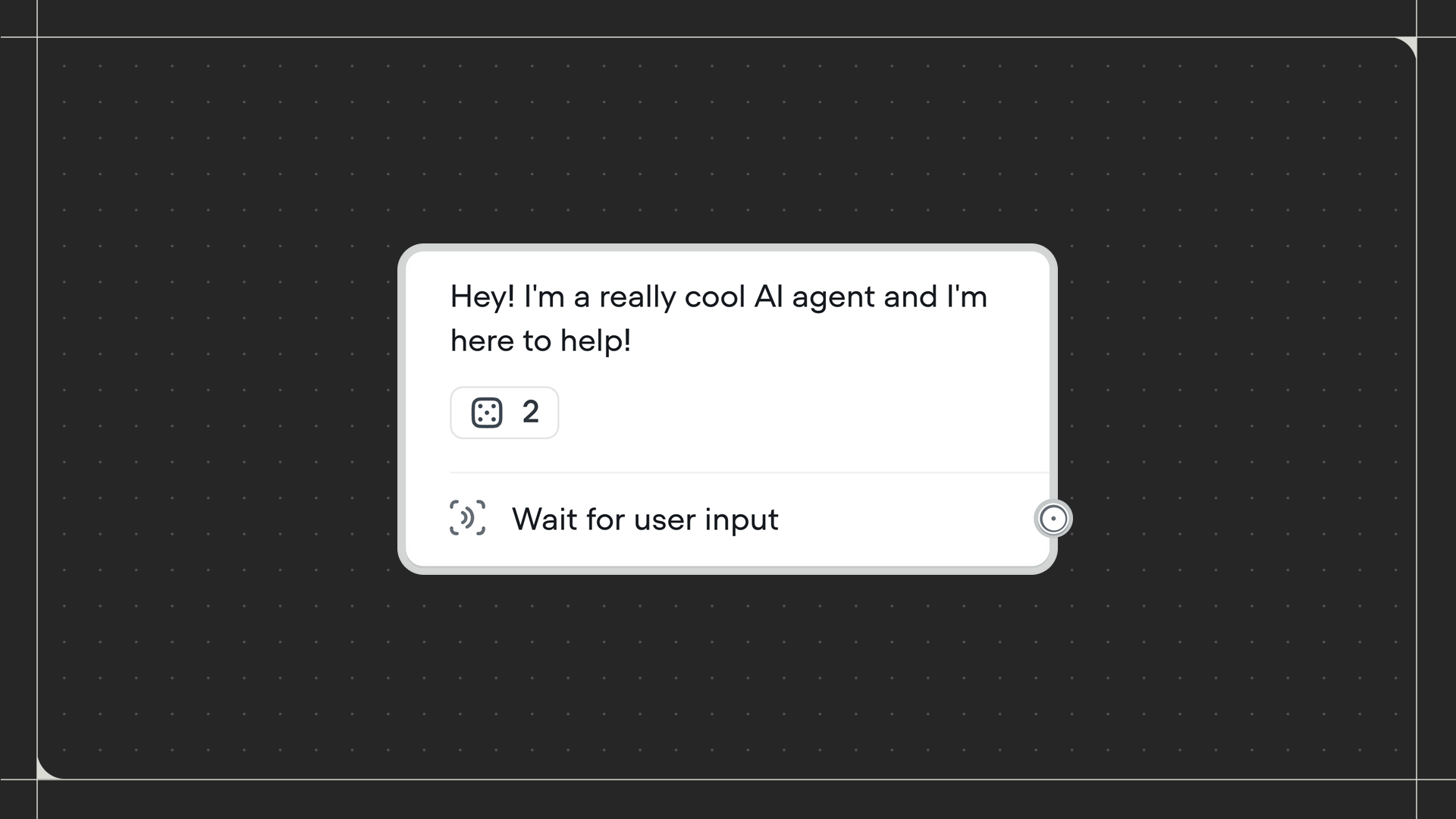
Drag the Message step onto the canvas and connect it to the step before it. Click on the step to write your message or configure an AI prompt.
Configuration
The Message step supports two modes:- Scripted: Write a pre-defined message and optionally variants to test different versions of your message with users. You can format text with bold, italics, underline, and include links or emojis.
- Prompt: Use AI to generate a single message using a prompt. For multi-turn conversational interactions, use the Playbook step instead.