


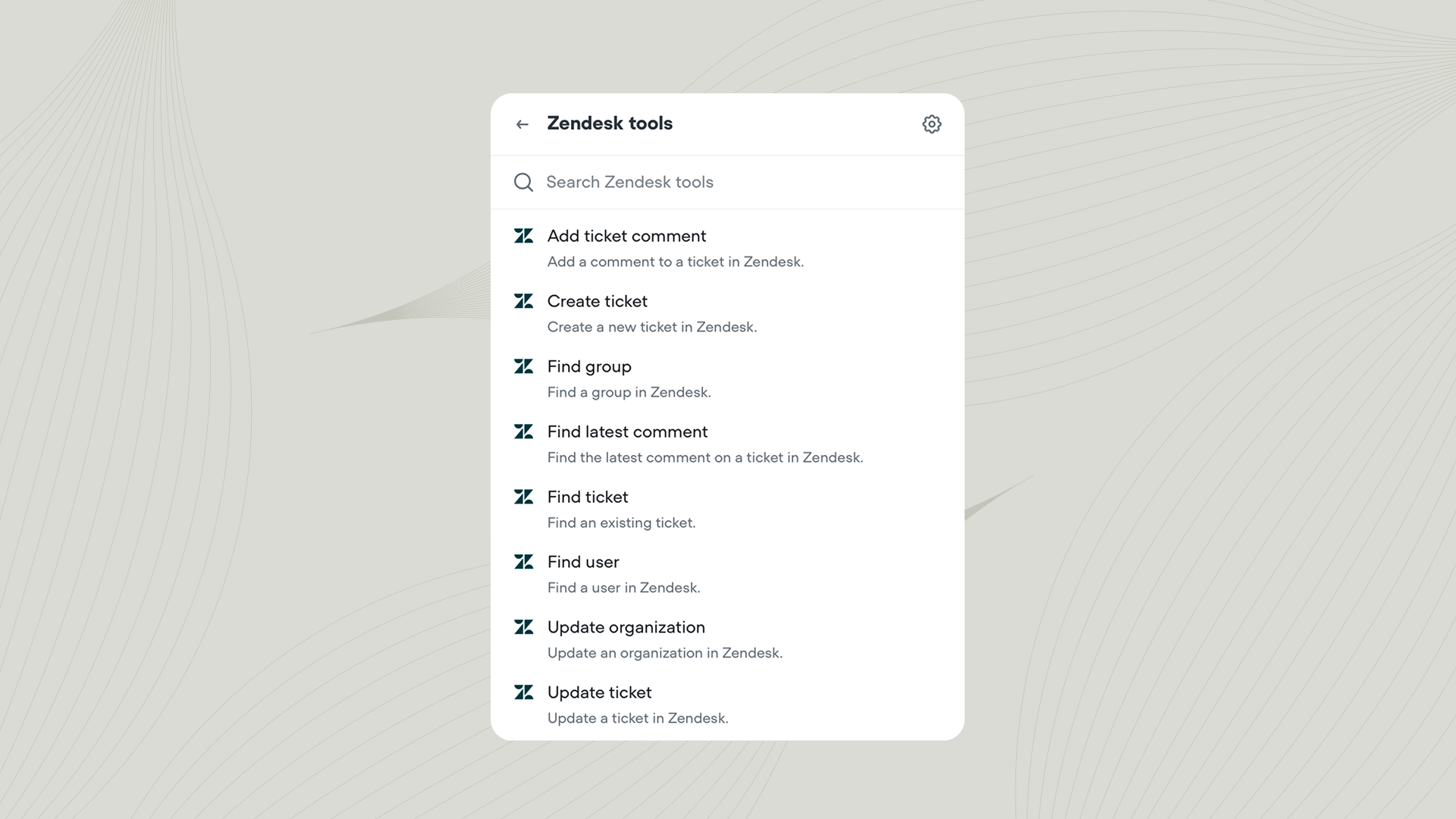
Using the Zendesk tool
Add the Zendesk tool to your agent from Tools → Add tool → Zendesk. You can also add tools directly from inside a Playbook or Integration step. Once added, you can call the Zendesk tool from inside a Playbook or Workflow.Actions
| Action | Description |
|---|---|
| Create ticket | Create a new support ticket with a subject, description, tags, and other fields. |
| Update ticket | Modify an existing ticket’s priority, status, tags, or other fields. |
| Add ticket comment | Append a public or private comment to an existing ticket. |
| Find ticket(s) | Search for tickets by user ID, status, or other criteria. |
| Find latest comment | Retrieve the most recent comment on a specific ticket. |
| Find user | Search for users by email, name, or other identifiers. |
| Find group | Look up support groups by ID or name. |
| Update organization | Edit an organization’s details such as domain, name, or notes. |
Syncing Zendesk Help Center with your Knowledge Base
You can also connect your Zendesk Help Center to Voiceflow’s Knowledge base. This lets your agent answer questions using your existing help articles, product guides, FAQs, and support policies. To connect your Zendesk Help Center, go to Knowledge base → Add data source → Zendesk inside your project.Learn more about integrations
Integrate with third-party tools
The best agents use tools to interact with the outside world. Learn how to get started with our bitesized course.